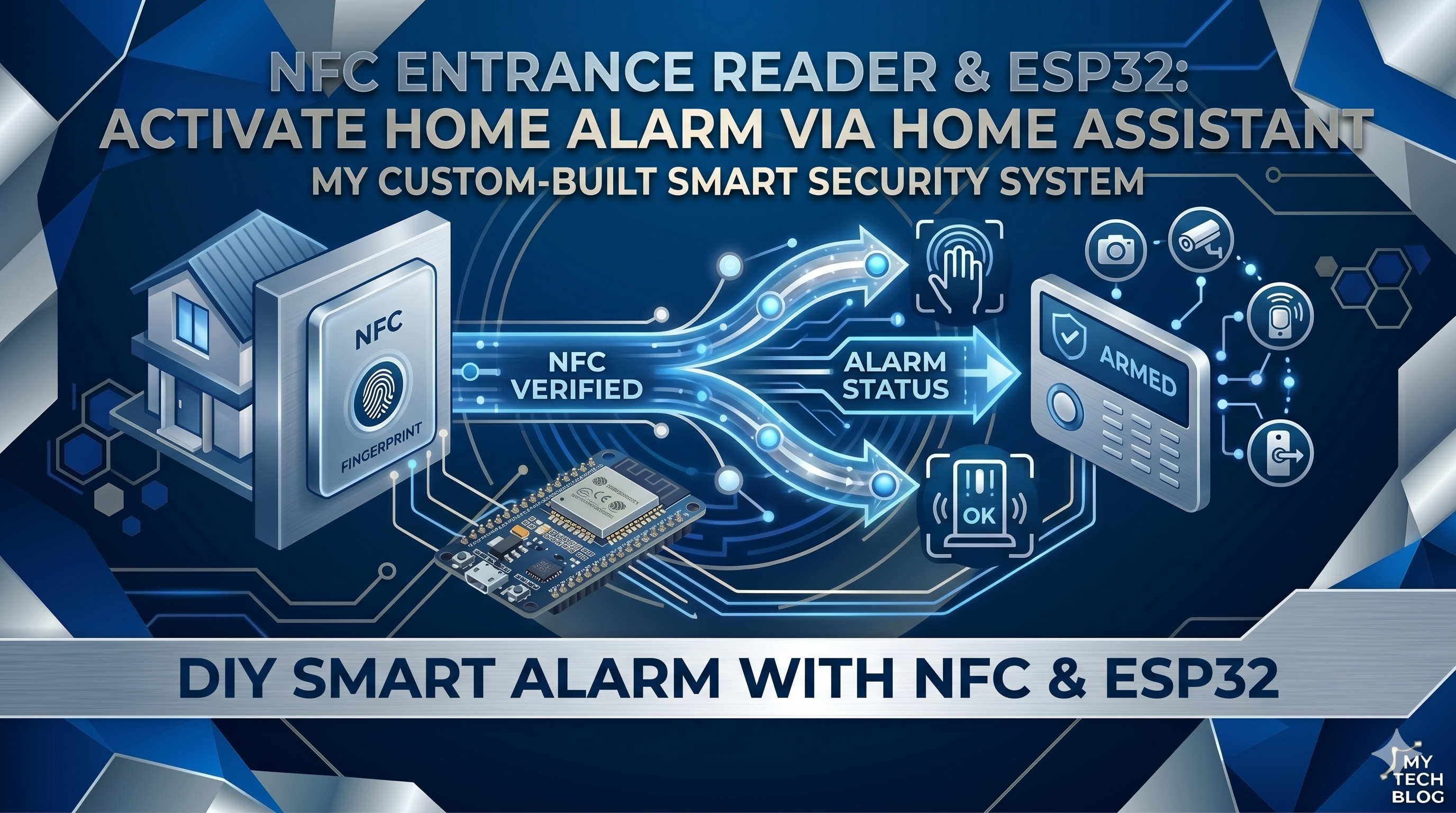
In this project, I built a custom NFC reader for my home entrance. By using a simple key fob, I can arm or disarm my alarm system (managed via Alarmo) as I enter or leave. The system is based on an ESP8266 microcontroller, integrated seamlessly into Home Assistant using ESPHome.
Hardware Components
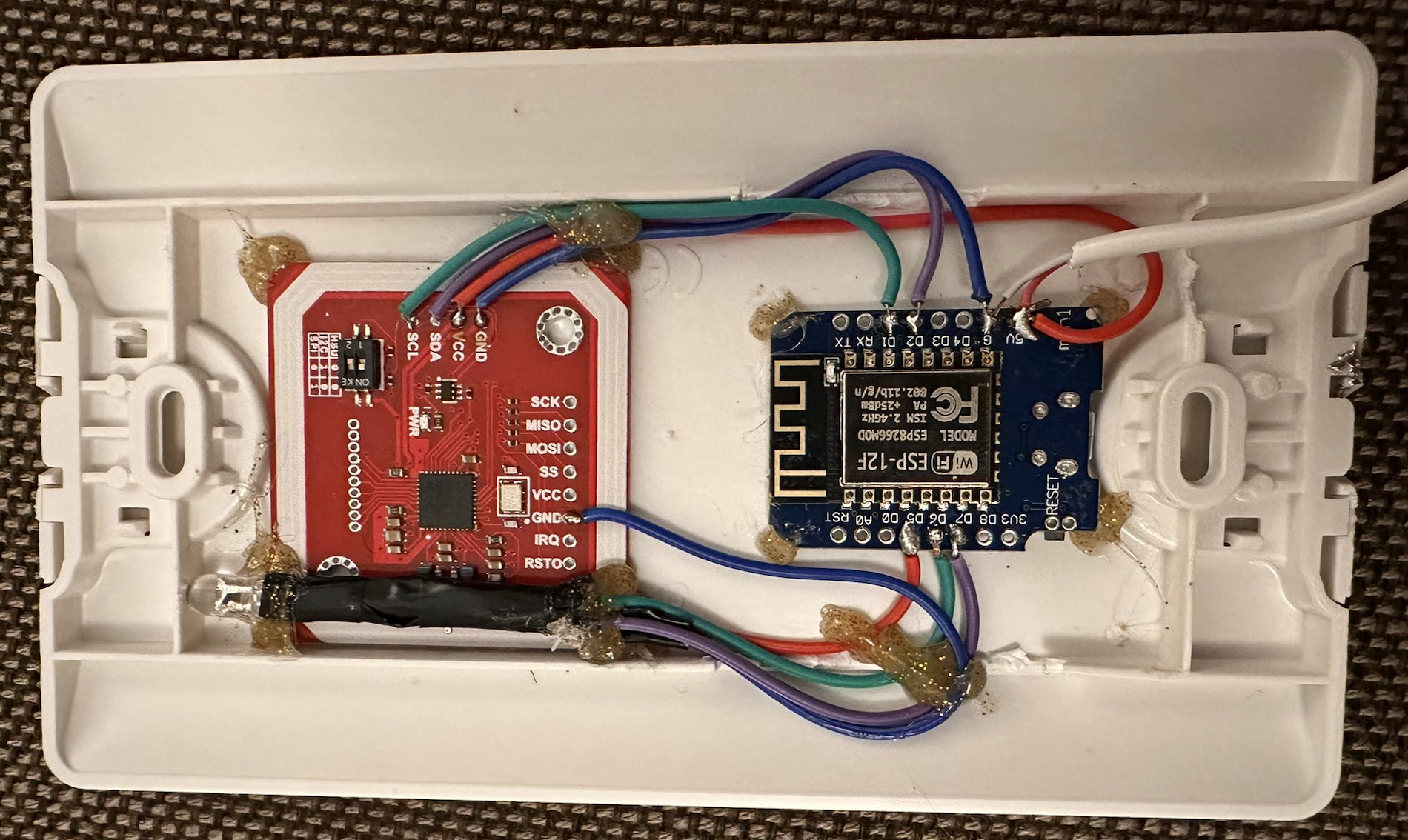
- Microcontroller: ESP8266 (D1 Mini)
- NFC Module: PN532 NFC Board (connected via I2C)
- Indicator: RGB LED (for real-time status feedback)
- Power: Standard 5V USB Power Supply
1. ESPHome Integration
The D1 Mini is flashed with ESPHome. Instead of managing complex code, I used a custom configuration to bridge the hardware with Home Assistant.
The configuration handles:
- I2C Communication: Using pins D1 (SCL) and D2 (SDA) to talk to the PN532 board.
- NFC Scanning: Every time a tag is swiped, the ESP sends the
tag_scannedevent to Home Assistant. - RGB Feedback: Three PWM outputs (D5, D6, D7) manage the Red, Green, and Blue channels of the LED, allowing Home Assistant to change the light color based on the alarm state.
2. Home Assistant Logic & Automations
The core of the system lives in Home Assistant. The first time you swipe a new NFC tag, it is automatically recognized and added to the Tags section. I then created specific automations to handle security.
Security Workflow
- Arming the House: When a recognized tag is scanned and the system is currently “Disarmed”, Home Assistant triggers the Away mode in Alarmo. Simultaneously, it closes all smart covers/blinds and turns off every light in the house.
- Disarming: If the system is in any “Armed” or “Pending” state, scanning the tag will immediately disarm the house. To keep my ecosystem synced, this also sets my Eufy HomeBase to “Home” mode.
3. Visual Status via RGB LED
To ensure the family knows the system status at a glance, I programmed the RGB LED to change color dynamically. I created an automation that triggers on alarm state changes or system restarts:
- Green (Solid): System is Disarmed. Safe to enter.
- Red (Solid): System is Armed. Entrance is protected.
- Blue (Solid/Pulse): System is in a “Pending” state (Exit delay) or has been “Triggered” (Alarm active).
Technical Tip: The “Map Tag” Feature
Since the unique ID of the NFC tag is passed directly to Home Assistant, you don’t need to hardcode IDs into the ESP8266. You can manage everything—including adding or removing authorized users—directly from the Home Assistant mobile app or web interface.
Conclusion
This DIY reader is a cost-effective and highly customizable alternative to commercial keypads. It provides instant feedback and integrates perfectly with existing security devices like Eufy cameras and automated covers.