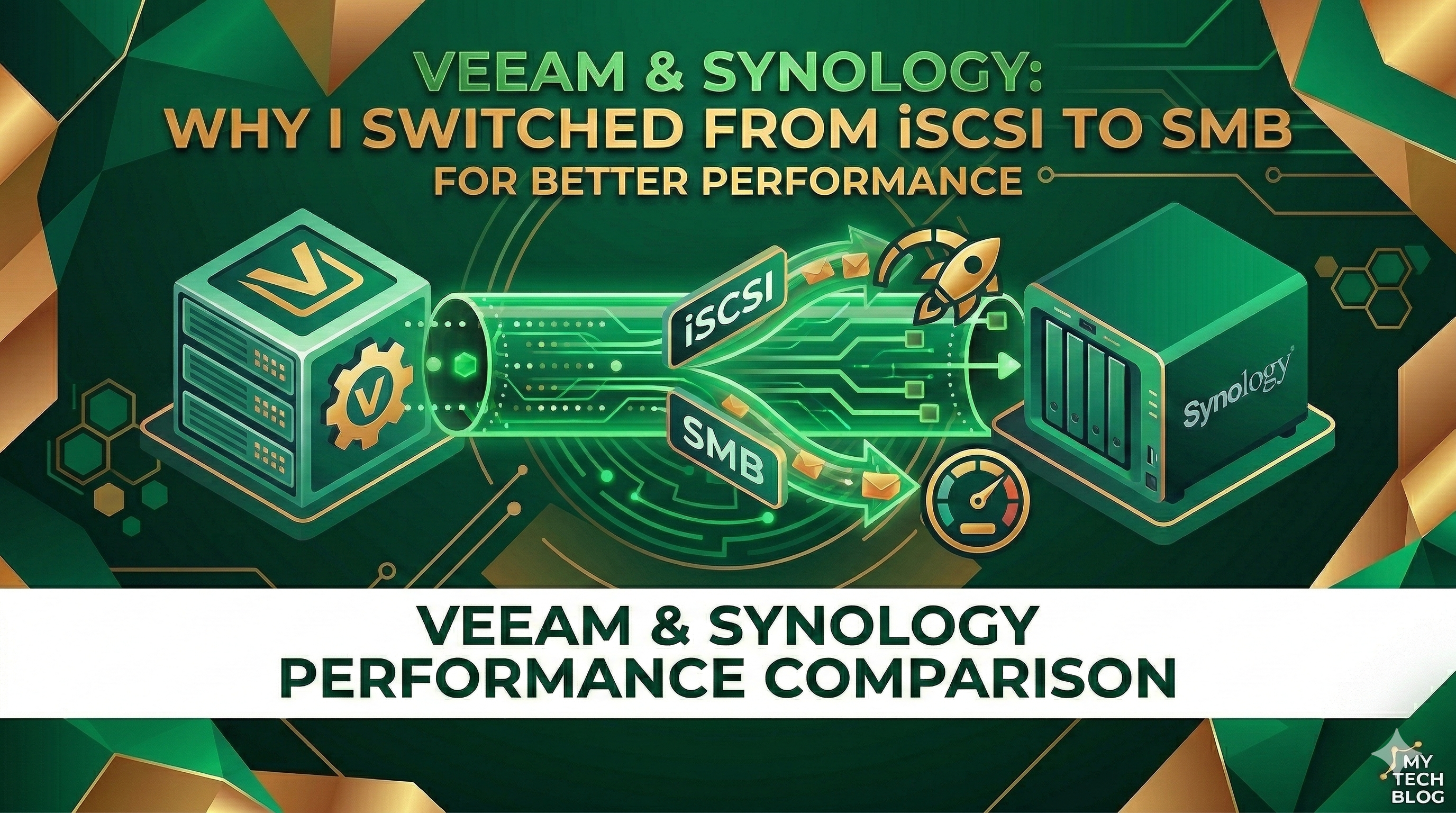
The official recommendation for Veeam is often to map iSCSI disks directly to the Backup & Replication VM, formatted with ReFS (64KB) to fully support FastClone. This allows Windows to manage the volume directly. However, in real-world scenarios with Synology NAS and SATA disks, the results can be disappointing.
The iSCSI Bottleneck
Despite having a 10Gb infrastructure and following standard optimizations—such as using a single LAN (no teaming) and switching from VMXNET3—my performance was consistently capped at a poor 90 MB/s.
The Solution: Switching to SMB (BTRFS)
After various tests, I decided to abandon the iSCSI route and try an SMB share on BTRFS. The difference was massive:
- Performance: Jumped from 90 MB/s to around 300 MB/s.
- Stability: More consistent throughput during heavy synthetic operations.
Note on ReFS and FastClone: While using SMB means you lose the direct benefits of Windows ReFS with FastClone, the native capabilities of BTRFS on Synology, when correctly configured, can still provide excellent space efficiency and data integrity for your Veeam backups. The performance gain with SMB often outweighs the ReFS benefits in this specific setup.
Key Synology & Veeam Optimizations
To reach these speeds and maintain stability, here are the settings I recommend:
- No Encryption: Avoid encrypting volumes on the Synology if performance is your priority.
- No Checksums: Disable file data checksums on the shared folder to reduce CPU overhead.
- Scheduled Tasks: Ensure that background tasks like Data Scrubbing are strictly scheduled outside of backup windows.
- Sequential Jobs: Organize your backups in sequence to avoid resource contention.
Improvements in Modern Veeam Versions
A great improvement in recent versions is the job chain reliability. In the past, if one job in a sequence failed, the subsequent ones might not start. Now, Veeam is smart enough to launch the next job in the chain regardless of the previous status, ensuring the rest of your infrastructure stays protected.
Performance Comparison: SMB vs iSCSI
As you can see from the graph below, the performance gap is evident. The first peaks represent the throughput using SMB/BTRFS, while the subsequent lower peak shows the iSCSI performance on the same hardware.
